
Imagine never again having to scramble to take notes during a busy meeting. No more missing key points. Say goodbye to spending hours afterward trying to recall what was decided. AI meeting assistants are designed to handle the heavy lifting. These smart tools work quietly. They let you focus on real conversations and ideas. In today’s fast-paced world, these clever helpers are transforming how we work, making meetings more efficient, inclusive, and enjoyable. This guide is perfect for busy professionals. It is also ideal for team leaders who want to learn about AI meeting assistants. It is also ideal if you’re someone tired of unproductive calls.
What Exactly Are AI Meeting Assistants?
AI meeting assistants are intelligent software tools at their core. They are designed to join your virtual (or even in-person) meetings. Their purpose is to automate tedious tasks. They act like a silent, super-efficient participant who listens carefully, captures every detail, and turns chaos into clarity.
These tools use advanced artificial intelligence. This includes speech recognition and natural language processing. They help understand spoken words and find different speakers. They also make sense of the discussion. Most integrate seamlessly with popular platforms like Zoom, Google Meet, Microsoft Teams, and more. Some are a “bot” in the meeting, while others work quietly in the background without disrupting the flow.

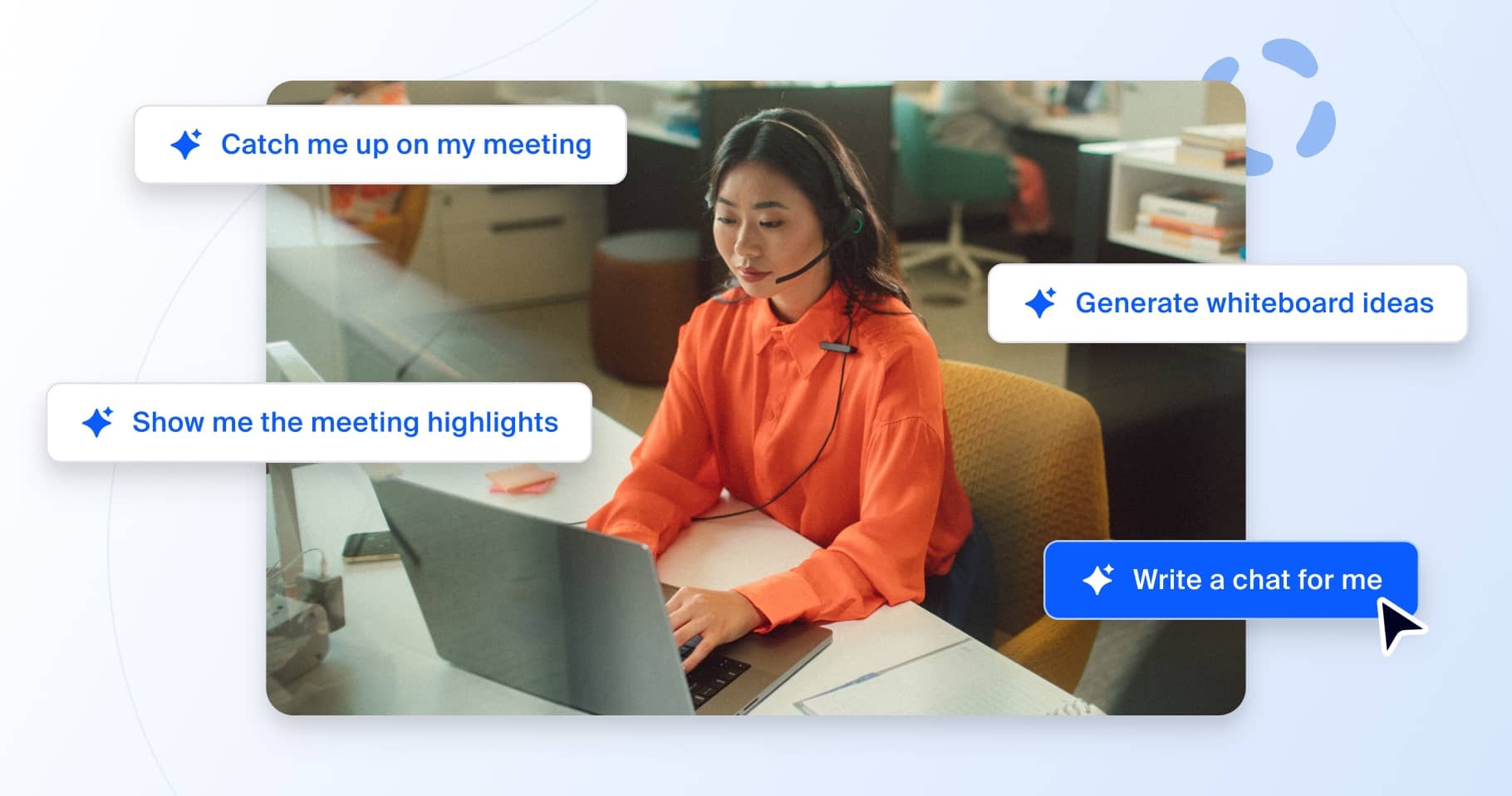
How Do AI Meeting Assistants Work Their Magic?
The process is surprisingly simple yet powerfully smart:
- Joining the Meeting: You invite the AI assistant to your call, or it automatically joins based on your settings.
- Listening and Recording: It records the audio (with permission, of course) and transcribes everything in real time.
- Analyzing the Conversation: Using AI, it identifies key topics, decisions, questions, and action items. It can even detect emotions or emphasis in voices.
- Creating Outputs: After the meeting, it generates summaries, highlights, full transcripts, and lists of tasks with assigned owners.
- Integrating and Sharing: Results sync to your tools like email, Slack, CRM systems, or project managers. You can easily share them with the team.
Many also offer live features, like real-time captions or instant answers to questions during the call.


The Wonderful Benefits of Using AI Meeting Assistants
These tools aren’t just convenient – they genuinely improve how teams collaborate. Here are some of the sweetest advantages:
- Save Precious Time: No more manual note-taking or post-meeting recaps. Teams often reclaim hours each week.
- Boost Focus and Participation: Everyone can engage fully without worrying about jotting down notes.
- Guarantee Nothing Slips Through: Precise transcripts mean no more “I thought we agreed on…” misunderstandings.
- Enhance Inclusivity: Real-time captions and translations help non-native speakers or those with hearing challenges.
- Drive Action and Accountability: Automatic action items with reminders keep projects moving ahead.
- Offer Valuable Insights: Over time, analytics show meeting patterns, helping you run even better sessions.
Studies show teams using these tools see up to 30% better follow-through on decisions and higher overall productivity.
Popular AI Meeting Assistants to Explore in 2026
The market is blooming with excellent options. Here are some standout ones that consistently top reviews:
- Otter.ai: Great for real-time transcription and easy search across past meetings.
- Fireflies.ai: Excels at integrations and capturing action items automatically.
- Zoom AI Companion: Built right into Zoom, perfect for summaries and follow-ups.
- MeetGeek: Focuses on insights and sharing highlights effortlessly.
- Avoma: Ideal for sales teams with deep CRM connections and coaching features.
- Krisp: Stands out for noise cancellation and clean, correct capture.
- Fathom: Simple, fast, and free for basic use – loved for quick summaries.
Many offer free tiers to get started, so you can test what fits your style best.


Getting Started: Tips for a Smooth Journey
Ready to try one? Start small: Pick a tool that integrates with your main meeting platform. Run a test on a low-stakes call. Share the summary with your team and gather feedback. Soon, you’ll wonder how you ever managed without it.
Privacy tip: Always choose tools with strong security and get team consent for recording.
Final Thoughts: Embrace the Future of Meetings
AI meeting assistants are more than a trend – they’re a gentle revolution making work life smoother and more human. By handling the details, they free us to connect, create, and achieve more together. If you’ve been feeling overwhelmed by endless meetings, this is the sweet change you’ve been waiting for. Dive in, experiment, and watch your productivity soar!